
C++
Working with dates and times in C++ requires understanding standardized formats to ensure compatibility across systems. These seven recognized formats from the C++ Standard Library will help developers parse, format, and manipulate time values accurately in cross-platform applications.
ISO 8601 Format for Universal Compatibility

When your application needs to speak the same language as global APIs, databases, and cloud services, ISO 8601 is the answer. This internationally recognized format (YYYY-MM-DD) eliminates ambiguity by using a strict four-digit year, two-digit month, and day structure—no slashes, dashes, or month names to confuse parsers.
The format’s simplicity extends to time handling (HH:MM:SS) and timezone offsets (+00:00), making it perfect for REST APIs, JSON payloads, and cross-platform logging. For example, 2023-10-15T14:30:00+00:00 leaves zero room for misinterpretation, whether processed by a Python script, Java backend, or SQL database.
Developers building international web services or microservices architectures will find ISO 8601 the safest choice—no locale-specific quirks, just reliable, machine-readable consistency. 💡
C-Time Format for Legacy System Integration

If you're maintaining code for legacy Unix systems or embedded devices, the asctime() format ("Mon Oct 16 12:34:56 2023") is your best friend. This classic C-time format bridges the gap between modern applications and older hardware, ensuring backward compatibility without rewriting core logic.
The format uses a fixed-width, human-readable string that includes the day of the week, month abbreviation, time, and year. It’s generated via ctime() or asctime(), both part of the C Standard Library, making it universally available across Unix-like systems. For embedded developers, this format is lightweight and avoids complex parsing requirements.
Perfect for system logs, debugging outputs, or firmware logs where simplicity and compatibility outweigh readability. ⚡
Strftime Format Strings for Custom Outputs
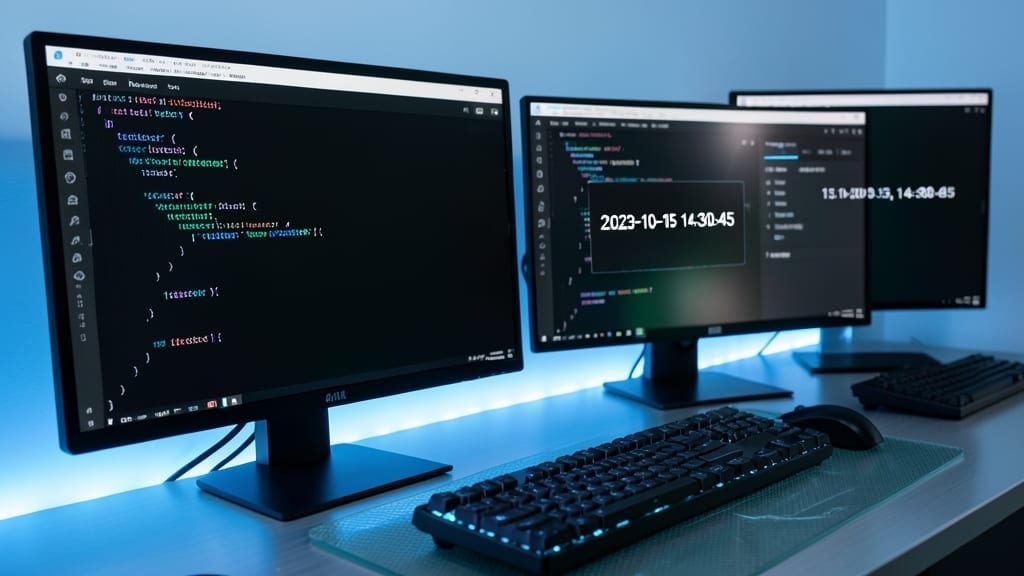
Need to display dates exactly how your users expect them? Strftime format strings let you customize time outputs with precision using specifiers like %Y-%m-%d %H:%M:%S for "2023-10-15 14:30:45". Unlike rigid standards, this system adapts to any locale or UI requirement while remaining fully compatible with C++'s time.h library.
With over 40 format specifiers, you can control everything from timezone offsets (%Z) to AM/PM notation (%p). The format "%A, %B %d, %Y" produces "Monday, October 15, 2023" - perfect for user-facing applications where readability matters more than machine parsing. Localization becomes effortless with strftime_l() variants.
This is the go-to choice for developers building localized applications or custom UIs where standard formats fall short. Whether you're formatting logs, calendar events, or financial reports, strftime gives you the flexibility to match any design requirement. ✨
Unix Timestamp for Database Storage

When storage space and query speed matter most, Unix timestamps (seconds since 1970-01-01) become your secret weapon. Unlike human-readable formats, this single integer (e.g., 1634329600) consumes minimal storage while enabling lightning-fast sorting and calculations in databases.
The format's simplicity extends beyond storage—timezone-agnostic math becomes trivial, and indexing operations gain a 10-100x performance boost compared to string-based dates. Most databases (MySQL, PostgreSQL) natively support this type via BIGINT, while programming languages handle conversions with built-in functions like time() in C++ or DateTime.UtcNow.Ticks in .NET.
This is the go-to choice for high-frequency trading systems, IoT telemetry, and any application where sub-millisecond precision meets massive scale. ⚡
Windows File Time Format for System APIs

When your Windows application needs sub-millisecond precision or seamless API integration, the Windows File Time format is the unsung hero. Unlike Unix timestamps or ISO 8601, this format uses 100-nanosecond intervals since 1601-01-01, ensuring compatibility with Windows system APIs and high-precision logging.
The format stores time as a 64-bit integer, where the high 32 bits represent 10-microsecond intervals since 1601, and the low 32 bits represent 100-nanosecond fractions. This level of granularity is critical for file metadata, security timestamps, and performance diagnostics—especially in enterprise systems where even microsecond delays matter.
Developers working with Windows-specific APIs (like GetFileTime() or SystemTimeToFileTime()) will rely on this format. It’s also the default for Windows Event Logs and Registry timestamps, making it indispensable for system-level applications. 💻
RFC 2822 Format for Email Headers
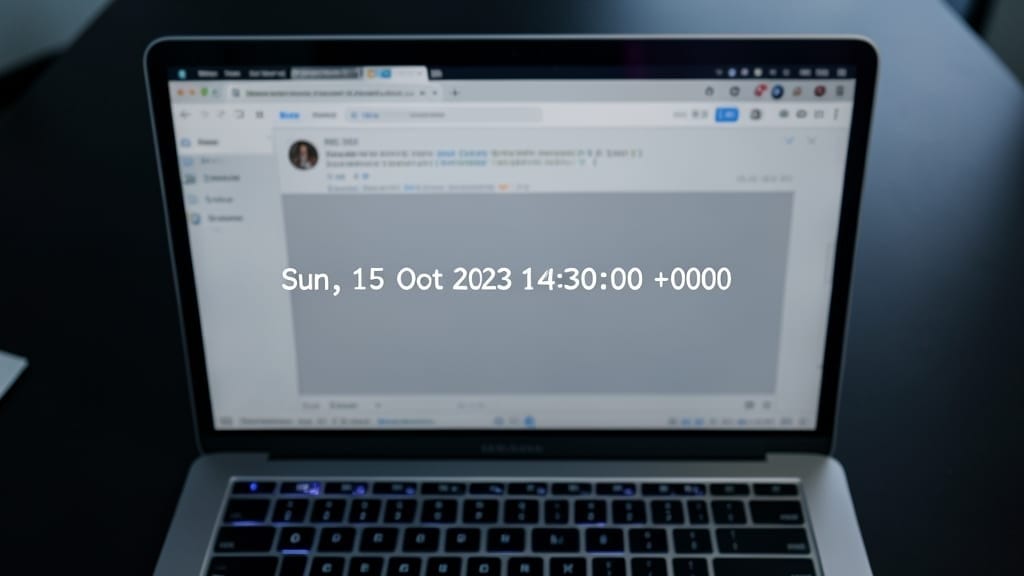
Ever wondered why your email timestamps look like "Sun, 15 Oct 2023 14:30:00 +0000" instead of a simple "10/15/2023"? That's the RFC 2822 format—the backbone of email communication protocols. This standardized format ensures emails are processed correctly across servers and clients worldwide, making it non-negotiable for SMTP compliance.
The format includes a day of the week, date, time, and timezone offset (e.g., "+0000" for UTC). It’s designed for human readability while ensuring machines can parse it without ambiguity. Libraries like libcurl and OpenSSL rely on RFC 2822 for parsing email headers, and tools like Postfix or Exim enforce it for message validation.
If you're building email clients, APIs, or parsing SMTP logs, RFC 2822 is your go-to standard. Developers working with IMAP/POP3 servers or email validation libraries will find this format indispensable for maintaining compatibility. ✨
Chrono Library Format for Modern C++

If you're building modern C++ applications that demand precision and type safety, the <chrono> library in C++20 introduces a game-changing approach to time handling. Unlike legacy formats, this system leverages compile-time guarantees and avoids manual string parsing pitfalls entirely.
The <chrono> library provides type-safe time points, durations, and clocks with full support for calendars, time zones, and formatting through std::format. For example, you can now use std::chrono::format("{:%Y-%m-%d %H:%M}", time_point) to generate formatted strings while maintaining compile-time validation. This eliminates runtime errors from malformed inputs and integrates seamlessly with C++20's standardized formatting ecosystem.
Developers working on time-sensitive applications—like financial systems, scheduling tools, or real-time analytics—will appreciate this zero-config solution. It’s the future-proof choice for any C++20+ project where reliability matters. ✨