Skip to content
Folder Wise

Folder Wise

  • All Articles
  • App
  • C++
  • Coding
  • More
    • Discord
    • Excel
    • Hardware
    • Microsoft Office
    • Operating System
    • Outlook
    • PowerPoint
    • Review
    • Software
    • Tip & Trick
    • Troubleshooting
    • Windows

PowerPoint

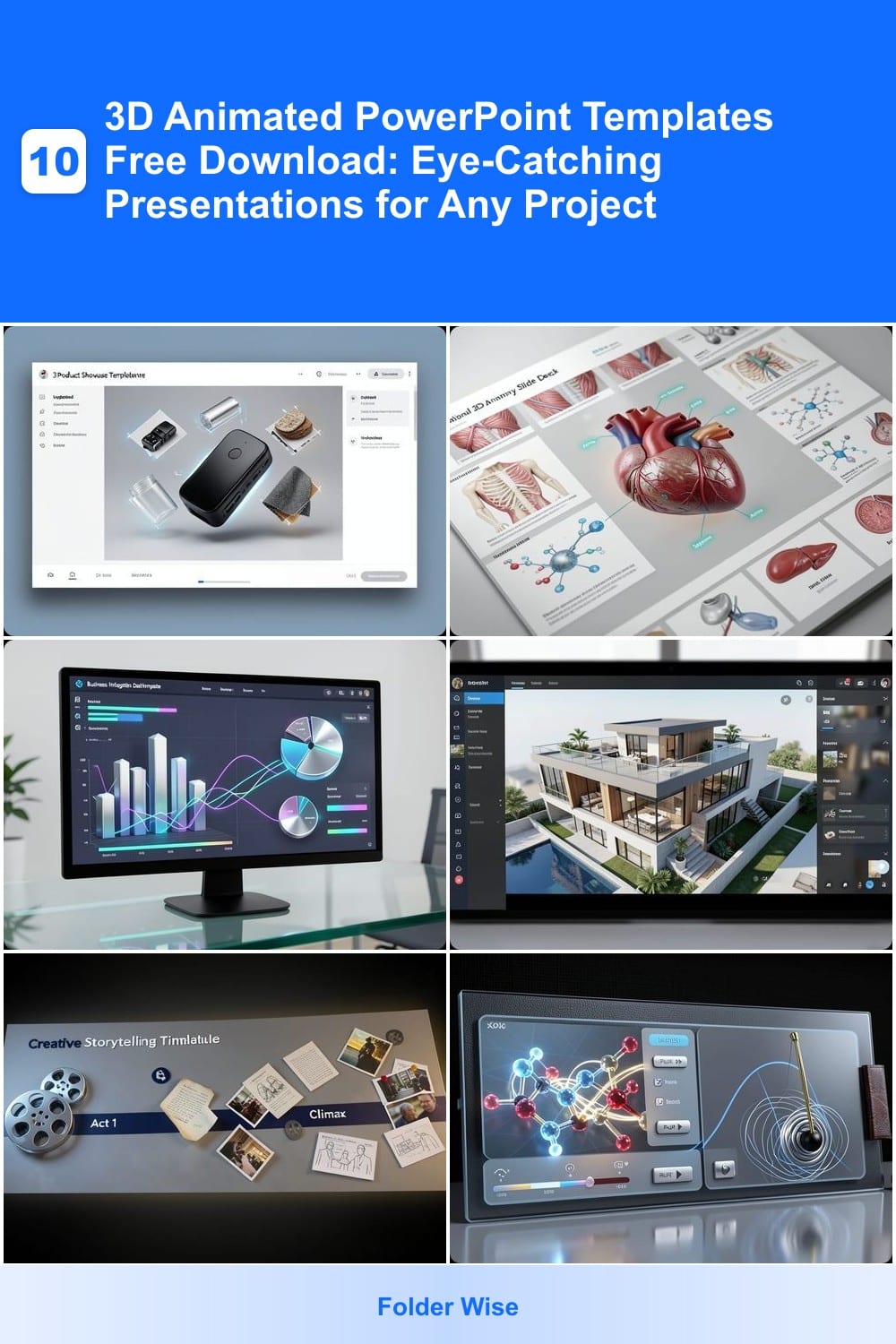
10 3D Animated PowerPoint Templates Free Download: Eye-Catching Presentations for Any Project
November 5, 2026 by Franklin Gallagher
10 3D Animated PowerPoint Templates Free Download: Eye-Catching Presentations for Any Project

Need dynamic presentations that stand out? These 10 free 3D animated PowerPoint templates bring depth and motion to your slides without requiring advanced design skills. Perfect for business, education, and creative…


Read more

Categories PowerPoint

Do You Have to Cite Stock Photos in PowerPoint: Legal Rules and When to Credit Sources

October 15, 2026 by Franklin Gallagher
Do You Have to Cite Stock Photos in PowerPoint: Legal Rules and When to Credit Sources

Do you have to cite stock photos in PowerPoint—you must when using licensed images, as Creative Commons or paid stock require proper credit, while free-use images (CC0, Public Domain) don’t. Always verify license terms…

Read more

Categories PowerPoint

How to Add a Slide to an Existing Powerpoint Presentation: Step-by-Step Slide Insertion Without Breaking Layouts

October 8, 2026 by Franklin Gallagher
How to Add a Slide to an Existing Powerpoint Presentation: Step-by-Step Slide Insertion Without Breaking Layouts

Mastering how to add a slide to an existing PowerPoint presentation is simpler than you think—especially when you know the shortcuts that save time. ✨ I’ve inserted slides into thousands of decks over the years, and the…

Read more

Categories PowerPoint

How to Add Columns in PowerPoint: Slide Layout Secrets for Perfect Alignment

November 16, 2026 by Franklin Gallagher
How to Add Columns in PowerPoint: Slide Layout Secrets for Perfect Alignment

Adding columns in PowerPoint doesn’t have to be a guessing game—my uncle’s basement workshop taught me that precise layouts start with the right tools. ✨ The secret lies in using the built-in Slide Layout feature, which…

Read more

Categories PowerPoint

How to Add Template to Powerpoint: Instant Slide Design With One Click

October 15, 2026 by Franklin Gallagher
How to Add Template to Powerpoint: Instant Slide Design With One Click

Adding a template to PowerPoint saves hours of design work every time you present. I’ve used this trick for client decks since my first corporate job—it’s how I went from 30 minutes of formatting per slide to one-click…

Read more

Categories PowerPoint

How to Animate Text in PowerPoint: Morph Transitions for Smooth Effects

October 10, 2026 by Franklin Gallagher
How to Animate Text in PowerPoint: Morph Transitions for Smooth Effects

Learning how to animate text in PowerPoint saved my first presentation—no more chaotic digital fireworks, just smooth, story-driven polish. ⚡ The secret lies in morph transitions and precise timing, which turn static…

Read more

Categories PowerPoint

How to Compress Media in Powerpoint: Lossless Quality in Seconds

November 19, 2026 by Franklin Gallagher
How to Compress Media in Powerpoint: Lossless Quality in Seconds

My PowerPoint presentations used to weigh 50MB for a 10-minute talk—until I discovered how to compress media without losing quality. ⚡ The trick is built into the software but hidden behind a few clicks most people miss…

Read more

Categories PowerPoint

How to Create a Pie Chart in PowerPoint: Step-by-Step Visual Guide for Beginners

October 15, 2026 by Franklin Gallagher
How to Create a Pie Chart in PowerPoint: Step-by-Step Visual Guide for Beginners

Creating a pie chart in PowerPoint is one of those tasks that looks intimidating until you see how simple it actually is—especially when you follow the right steps. I still remember the first time I showed my dad how to…

Read more

Categories PowerPoint

How to Create a Template in Powerpoint: Step-by-Step Guide for Designers and Professionals

November 16, 2026 by Franklin Gallagher
How to Create a Template in Powerpoint: Step-by-Step Guide for Designers and Professionals

Creating a PowerPoint template saved me hours of reformatting every time I kicked off a new client presentation. The process is shockingly simple once you know where to click—no coding, no hidden menus, just a few…

Read more

Categories PowerPoint

How to Create Master Slides in Powerpoint: Pro Design Templates for Polished Presentations

October 14, 2026 by Franklin Gallagher
How to Create Master Slides in Powerpoint: Pro Design Templates for Polished Presentations

Creating master slides in PowerPoint saved me from redesigning every slide in a 50-slide pitch deck. 💡 This one-time setup ensures every slide inherits your branding, fonts, and layout—no manual adjustments needed. The…

Read more

Categories PowerPoint
Page1Page2Page3Next →

About Me

Franklin Gallagher

Franklin Gallagher
My first computer was a clunky desktop my parents bought me in the late '90s, and I spent hours tinkering with it—figuring out how to make the screen saver change colors or how to squeeze every last bit of performance out of its slow processor. That curiosity never left me. Now, I run Folder Wise to break down tech in a way that makes sense for everyday people, whether it’s troubleshooting a stubborn Windows issue or helping someone set up their first Linux system. I believe technology should feel like a tool, not a mystery, and I’m here to make that happen.

Learn more

Recent Posts

  • How to Set up a Conference Call in Microsoft Teams with External Users: Step-by-Step Guide for Seamless Collaboration
    How to Set up a Conference Call in Microsoft Teams with External Users: Step-by-Step Guide for Seamless Collaboration
  • Download Internet Explorer for Windows 10: Direct Legacy System Restoration Files
    Download Internet Explorer for Windows 10: Direct Legacy System Restoration Files
  • Set Up Microsoft Exchange Server: Step-by-Step Deployment for Beginners
    Set Up Microsoft Exchange Server: Step-by-Step Deployment for Beginners
  • 10 3D Animated PowerPoint Templates Free Download: Eye-Catching Presentations for Any Project
    10 3D Animated PowerPoint Templates Free Download: Eye-Catching Presentations for Any Project
  • How To Uninstall OneNote For Windows 10: Safe System Cleanup Without Leftovers
    How To Uninstall OneNote For Windows 10: Safe System Cleanup Without Leftovers
  • All Guides
  • About
  • Contact
  • Privacy Policy
  • Cookie Policy
  • Terms of Use
© 2026 folderwise.click