
Operating System
Struggling to stay organized in OneNote? These 10 free 2023 planner templates transform your notebook into a powerful productivity hub with customizable layouts for daily, weekly, and project planning—all without spending a dime.
Minimalist Daily Planner Template
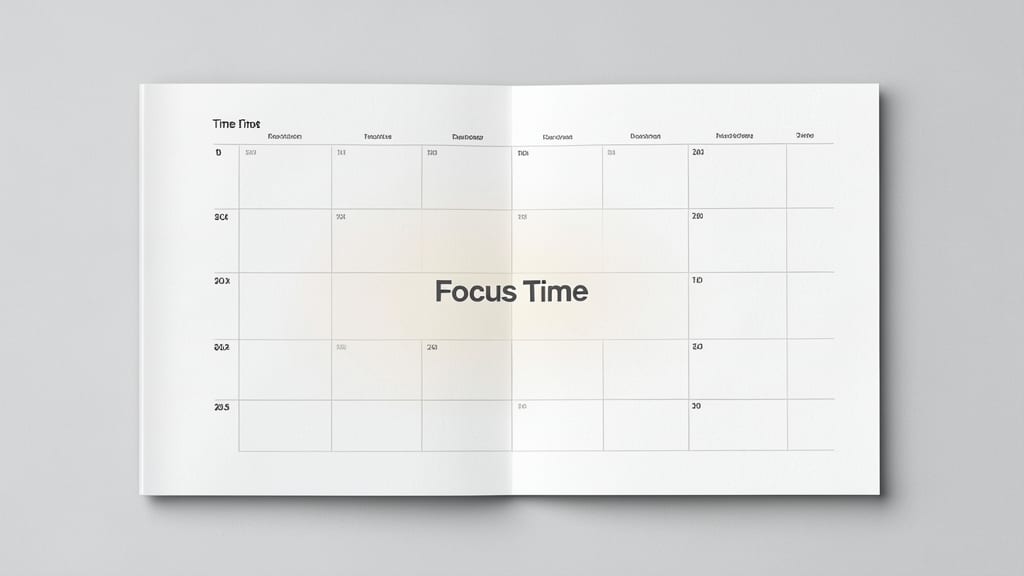
If you’re drowning in digital clutter but still need a sharp daily plan, this Minimalist Daily Planner Template is your digital Zen garden. Designed for professionals who thrive on simplicity, it strips away distractions while keeping your focus razor-sharp.
The template features time-blocking sections with clear hour-by-hour slots, a priority flag system (urgent, important, or low), and a single task list to avoid overwhelm. Built with OneNote’s native formatting, it syncs seamlessly across devices—no extra apps or subscriptions needed. The clean layout ensures you spend less time organizing and more time executing.
Perfect for executives, freelancers, or anyone who prefers focus over frills, this template helps you map out your day in under a minute. Just download, customize the sections, and dive into your most productive hours yet. ✨
Weekly Goal Tracker Template
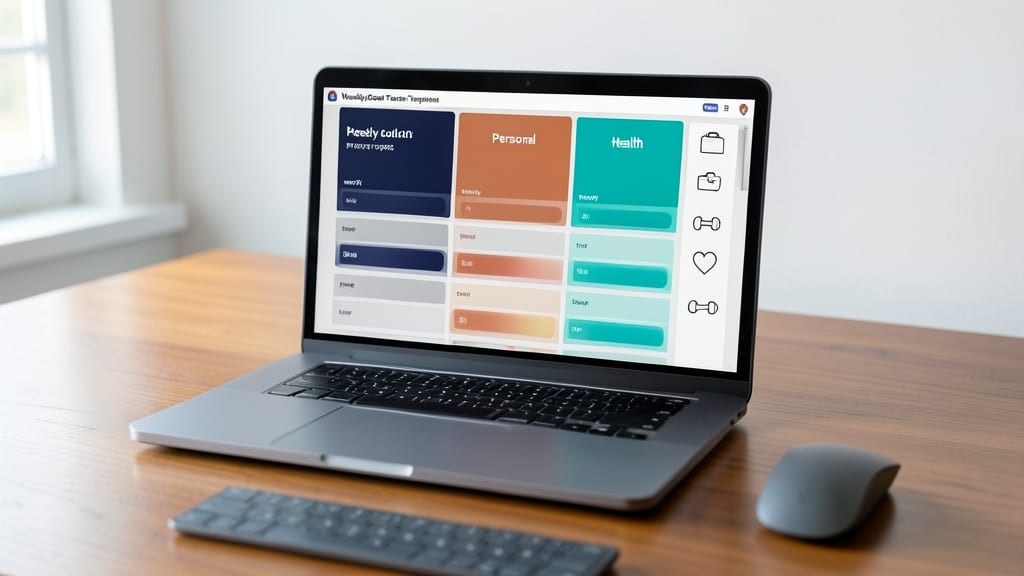
If you thrive on progress but struggle to track it visually, the Weekly Goal Tracker Template turns ambition into action with a color-coded dashboard that separates work, personal, and health goals at a glance.
Each day gets its own column with progress bars that fill as you complete tasks, while reflection prompts at the end of the week help you analyze what worked and what didn’t. The template even includes motivational quotes to keep you inspired—no extra apps needed. Best of all, it’s fully customizable in OneNote’s 2023 desktop and mobile apps, so you can tweak colors, sections, or add your own metrics.
This is your power-up for anyone juggling multiple priorities—whether you’re launching a side project, training for a marathon, or just trying to eat healthier. 💪
Student Study Planner Template
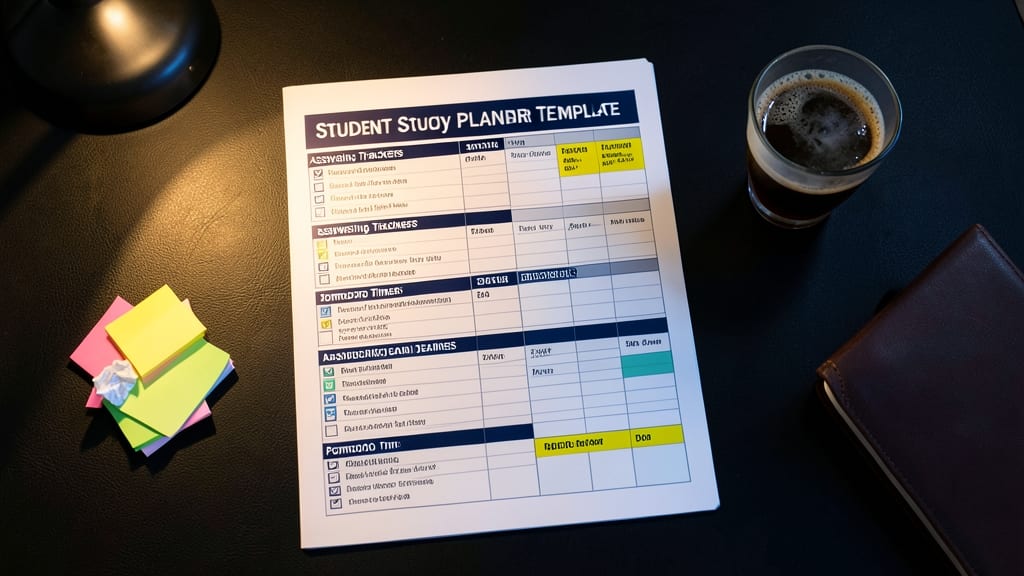
If late-night study sessions and last-minute exam crams have you drowning in sticky notes, this Student Study Planner Template is your lifeline. Designed specifically for academic success, it combines assignment trackers, exam deadlines, and a built-in Pomodoro timer to keep you focused during 25-minute study sprints.
The template includes dedicated sections for flashcards, lecture notes, and project timelines, all while syncing seamlessly across OneNote's mobile and desktop apps. The color-coded priority system helps you spot urgent tasks instantly, while the timer section ensures you take regular breaks to avoid burnout.
Perfect for college students, high schoolers, or anyone juggling coursework—this template turns chaos into structure without requiring coding or design skills. ⚡
Project Management Dashboard Template
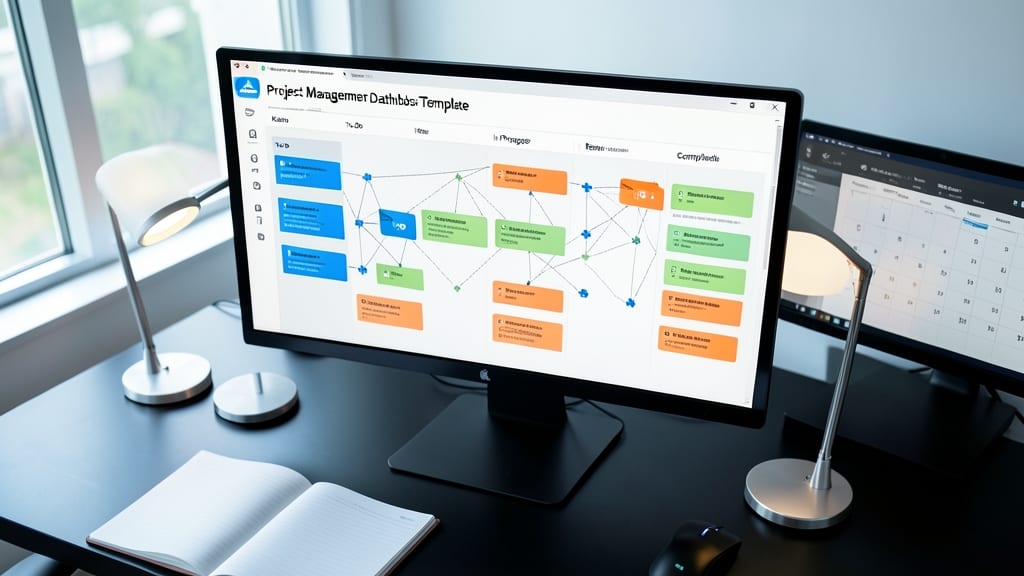
Juggling multiple projects across clients or teams? This Project Management Dashboard Template brings the power of a Kanban board directly into OneNote, with drag-and-drop task cards, dependency links, and color-coded deadlines—all in one seamless workspace.
The template includes pre-built columns (To Do, In Progress, Blocked, Done) and Gantt-style timeline views to visualize project timelines at a glance. You can also set recurring deadlines and assign tasks to team members with @mentions, ensuring nothing slips through the cracks. The customizable tags let you prioritize tasks by urgency or project type, while the built-in progress tracker gives you real-time visibility into project health.
Perfect for freelancers managing multiple clients or small teams collaborating on shared goals, this template syncs across Windows and mobile, so you stay on top of deadlines no matter where you work. 💻
Habit Tracker Template
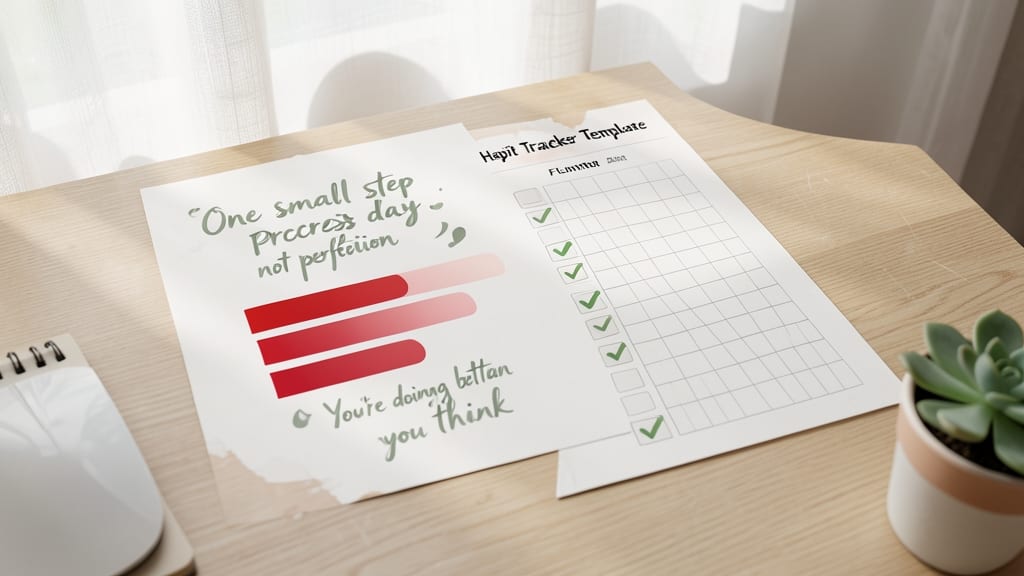
Turn small actions into lasting habits with this Habit Tracker Template, designed to make consistency effortless. Unlike rigid planners, it focuses on streaks, motivational quotes, and flexible checklists—perfect for building routines like exercise, reading, or meditation without feeling overwhelmed.
The template includes customizable daily/weekly checklists, a progress graph to visualize streaks, and inspirational quotes to keep you motivated. You can easily adjust sections to fit your goals, whether it’s tracking screen time, water intake, or learning a new skill. The color-coded design makes it visually engaging while keeping track of progress simple.
Ideal for anyone looking to build discipline, this template works seamlessly across OneNote for Windows and mobile. Whether you're a busy professional or a student, it’s the perfect tool to turn goals into habits—one checkmark at a time. ✨
Meal Planning Template
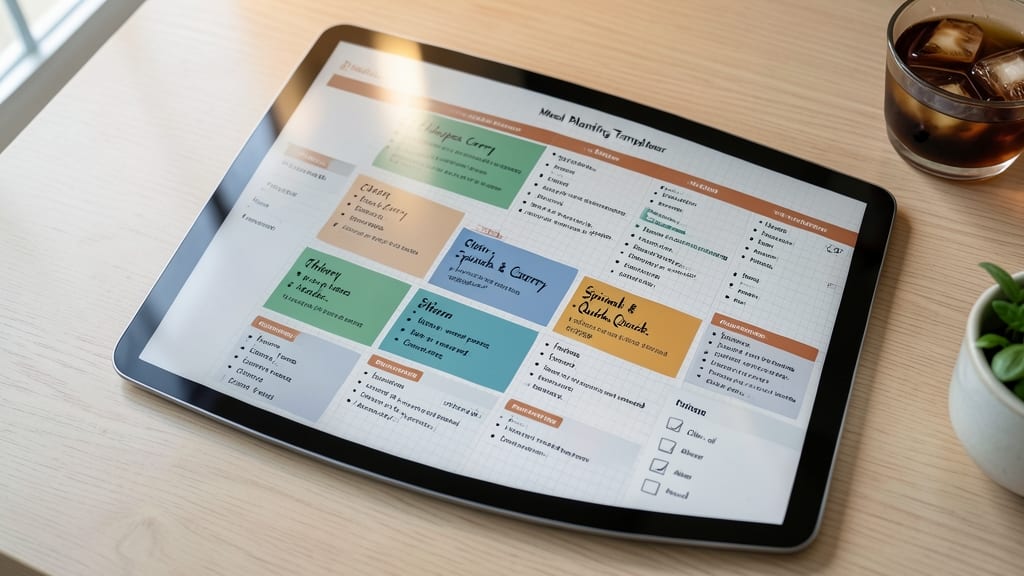
Say goodbye to last-minute grocery store panic—this Meal Planning Template turns chaotic meal prep into a seamless, organized process. Designed with recipe slots, ingredient lists, and a color-coded weekly grid, it helps you visualize meals at a glance while keeping your pantry stocked efficiently.
The template includes customizable sections for breakfast, lunch, dinner, and snacks, with checkboxes to mark completed meals. A dedicated grocery list tab auto-populates as you plan, reducing waste and saving time. Plus, the printable version works offline, making it perfect for meal preppers on the go.
Ideal for busy families or anyone focused on nutrition, this template syncs across devices so your plans stay up-to-date. Whether you're batch cooking or meal prepping, it’s the digital helper your kitchen needs. ✨
Travel Itinerary Template
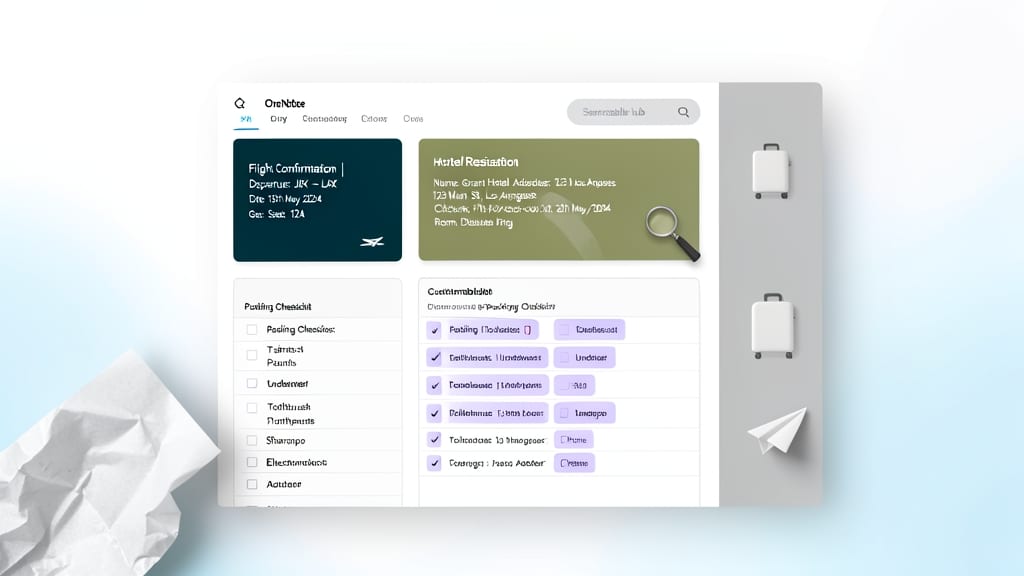
Forget scribbling notes on napkins—this Travel Itinerary Template turns OneNote into your digital travel assistant, packing in everything from flight confirmations to packing lists in one sleek, searchable hub.
It includes dedicated sections for flight/hotel details, a customizable packing checklist (with weather-based reminders), and a day-by-day itinerary that syncs across your devices. The interactive map integration lets you pin locations directly to your schedule, while color-coded tabs keep your trip organized from planning to post-adventure reflections.
Perfect for digital nomads, family vacation planners, or anyone who’s ever forgotten their passport—this template adapts to last-minute changes and keeps all your travel chaos in one place. ✨
Fitness Training Log Template
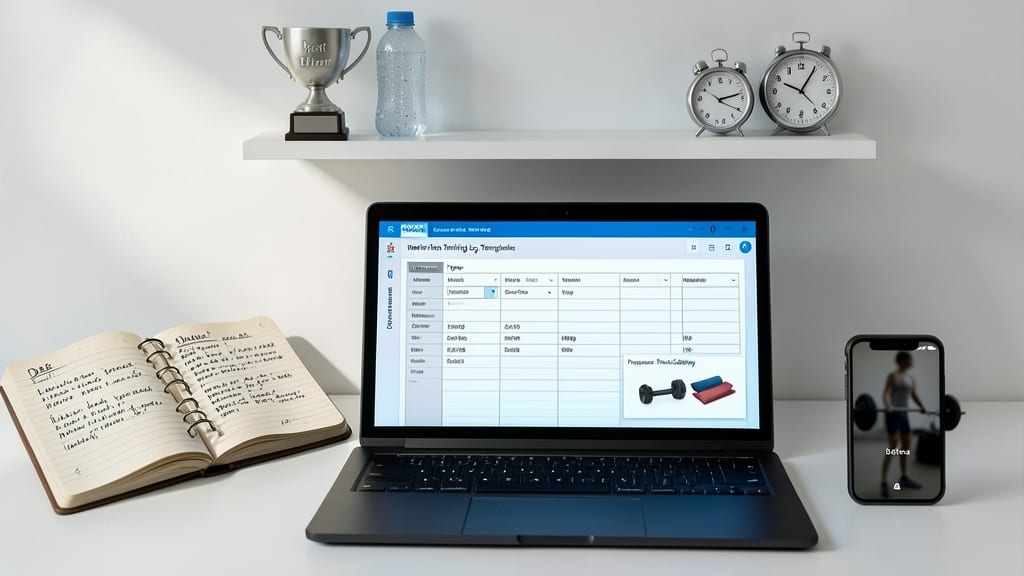
Turn your OneNote into a personalized gym journal with this Fitness Training Log Template, designed to track every rep, set, and progress photo in one place. Whether you're lifting weights, running marathons, or mastering yoga routines, this template keeps your fitness journey organized and measurable.
Log workouts with customizable exercises, track reps and sets with built-in tables, and even attach progress photos to visualize your gains over time. The template includes weekly workout planners, strength progress charts, and motivational reminders to keep you on track—all while syncing seamlessly across your Windows PC, tablet, or mobile device.
Perfect for gym enthusiasts, runners, or anyone committed to fitness, this template turns data into motivation. No more scattered notes—just a clear, actionable fitness log to crush your goals. 💪
Budget Planner Template
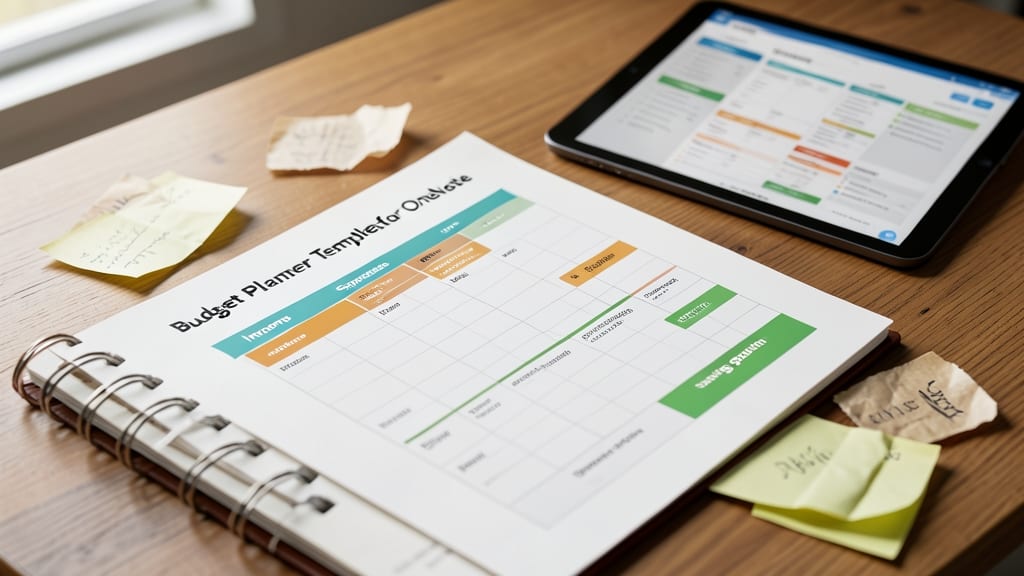
Tired of spreadsheets and sticky notes cluttering your financial life? The Budget Planner Template for OneNote brings order to your finances with a pre-built structure that tracks income, expenses, and savings goals—all in one place.
This template includes customizable categories (like bills, groceries, and entertainment), a monthly overview with visual progress bars, and even space for savings milestones. The clean design makes it easy to spot overspending trends at a glance, while the drag-and-drop functionality lets you adjust categories without formatting headaches. Best of all, it syncs seamlessly across devices.
Perfect for freelancers, students, or anyone juggling multiple financial responsibilities, this template turns budgeting from a chore into a clear, actionable system. 💪
Creative Brainstorming Template
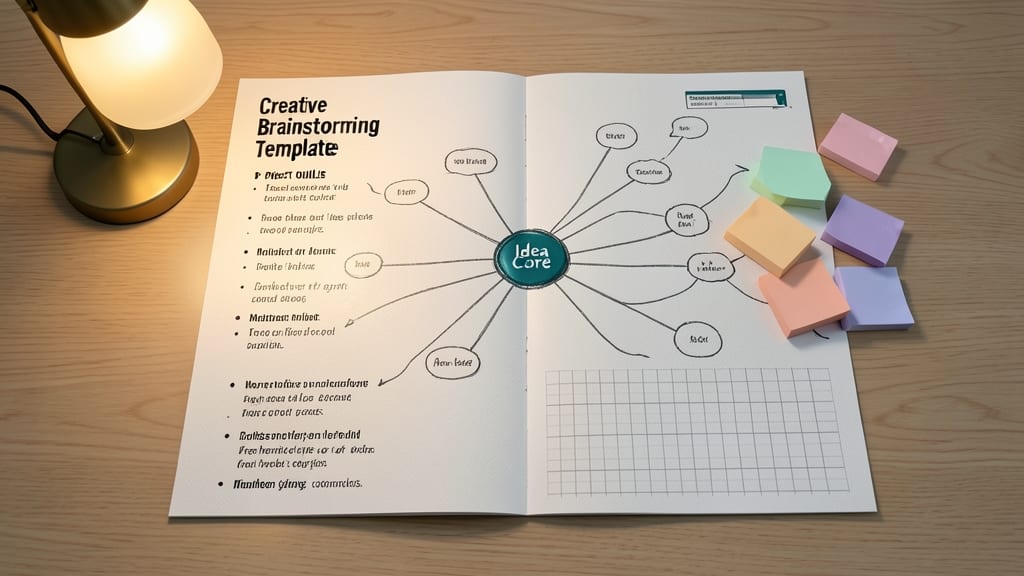
When your creative well runs dry, this Creative Brainstorming Template turns blank pages into idea goldmines. Designed for visual thinkers, it combines interactive mind maps, sketch-friendly sections, and project outlines—all in one flexible layout.
The template includes customizable sticky notes for quick idea capture, branching mind map tools to explore connections, and dedicated sketch areas for doodling concepts. You can even embed images or links to reference materials, making it perfect for writers drafting stories or designers planning visual projects.
Ideal for anyone battling creative blocks, this template works seamlessly across OneNote’s desktop and mobile apps, ensuring your inspiration stays with you—whether you're at your desk or brainstorming on the go. ✨