
Coding
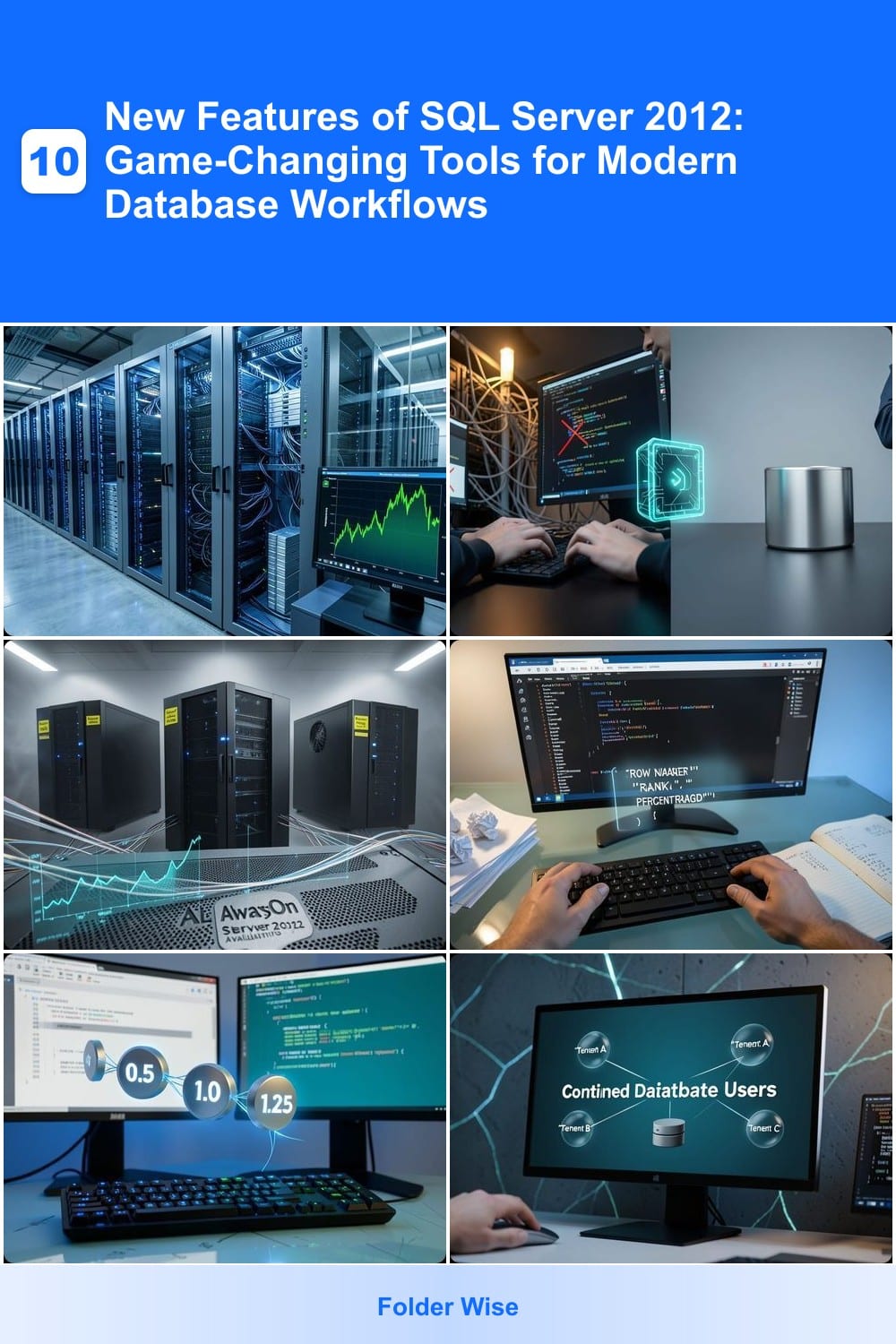
SQL Server 2012 introduced groundbreaking features that transformed database management for developers and administrators. These game-changing tools boosted performance, security, and scalability—making it a pivotal upgrade for modern workflows.
Columnstore Indexes for Massive Data Compression

If you’ve ever struggled with slow analytics queries on massive datasets, Columnstore Indexes in SQL Server 2012 might just be your game-changer. This feature introduced a radical shift by storing and compressing data column-wise instead of row-wise, drastically improving query performance for data warehousing and reporting workloads.
With Columnstore Indexes, you can achieve up to 10x faster query performance on large datasets while reducing storage footprint by up to 90%. The compression works by storing data values together for each column, making scans and aggregations lightning-fast. It’s especially powerful for analytical queries that scan entire tables, like aggregations, joins, and group-by operations.
This feature is a must-have for data analysts, BI professionals, and developers working with data warehouses or reporting systems. If you’re drowning in large datasets and need faster insights, Columnstore Indexes could be the upgrade your workflow needs. ✨
Contained Databases for Simplified Deployment

Tired of waiting for server admins to deploy test databases? Contained Databases in SQL Server 2012 let developers work independently—no master database dependency required. This feature isolates databases, making them self-contained units that can be moved, backed up, or restored without server-level permissions.
With contained databases, you gain zero-config dependency on the master database, simplified backups (no need to restore the entire server), and portability across environments. Perfect for cloud deployments or CI/CD pipelines where databases need to spin up and down dynamically. The FULL and PARTIAL containment modes let you choose between strict isolation or mixed configurations.
Developers testing apps locally or teams deploying microservices will love this—it cuts deployment bottlenecks and reduces server sprawl. ⚡
AlwaysOn Availability Groups for High Availability

For enterprise applications where downtime isn’t an option, AlwaysOn Availability Groups in SQL Server 2012 introduced a game-changer: synchronous data replication across multiple servers. This feature ensures your mission-critical databases stay online, even if a primary server fails, by automatically failing over to a secondary replica.
With support for up to 8 secondary replicas and readable secondaries, this setup distributes load while maintaining data consistency. The automatic failover process typically completes in under 30 seconds, minimizing disruption. Unlike traditional clustering, Availability Groups allow for asynchronous commit options when needed, balancing performance and reliability.
This feature is ideal for financial systems, e-commerce platforms, or healthcare applications where uptime is non-negotiable. 💪
Window Functions for Advanced Analytics

Tired of wrestling with self-joins just to calculate running totals or rank data? Window functions in SQL Server 2012 eliminated that pain, letting you perform advanced analytics like moving averages or percentile rankings with elegant, readable syntax.
This feature introduced functions like ROWNUMBER(), RANK(), DENSERANK(), and NTILE(), which operate over a set of table rows while preserving access to individual row values. No more bloated subqueries—just clean, high-performance calculations. For example, you can now compute a year-over-year growth rate in a single query instead of multiple nested joins.
Data analysts in finance (portfolio performance) and science (genomic sequencing) saw immediate productivity gains. If your workflow involves aggregating data across time-series or hierarchical datasets, window functions cut query complexity by 70% or more. ✨
Sequence Objects for Number Generation

Tired of identity columns limiting your number generation flexibility? SQL Server 2012 introduced sequence objects, a game-changer for complex environments where traditional auto-increment fields fall short.
These objects let you define custom increment values (like 0.5 or 10) and reuse them across multiple tables, making them perfect for auditing trails or logging systems requiring precise control. You can even set minimum/maximum boundaries and cycle values—ideal for scenarios like order IDs or batch processing where gaps or overlaps are critical.
Database architects managing multi-table systems or financial applications will find sequences invaluable for maintaining data integrity without manual scripting. 💻
Contained Database Users for Security Isolation
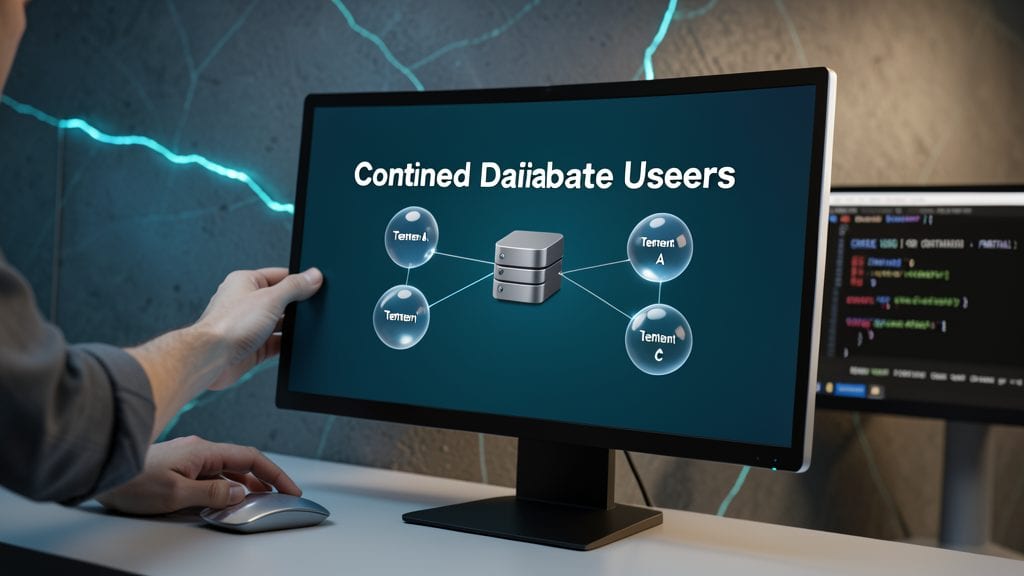
Tired of managing server-wide logins for every database tenant? Contained Database Users in SQL Server 2012 lets you create and manage users inside individual databases—no server-level login dependencies. This means each database can have its own authentication rules, drastically simplifying multi-tenant security.
With this feature, you can now grant permissions directly to database-scoped users, eliminating cross-database login conflicts. It supports Windows and SQL authentication within the contained database context, and even allows schema binding for stored procedures and views. Perfect for SaaS providers or enterprises hosting multiple client databases on a single server.
Developers and admins managing multi-tenant applications will love this—no more juggling server logins or worrying about permission leaks between databases. 💪
Power View for Interactive Data Visualization
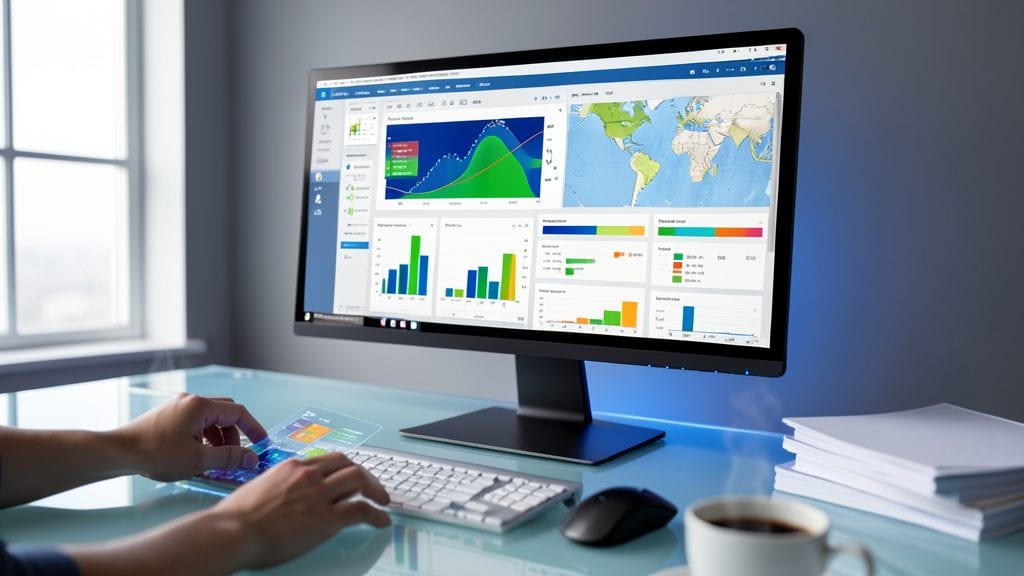
Tired of waiting for IT teams to generate reports? Power View bridges the gap between raw data and actionable insights—directly inside Excel 2013 with zero SQL required. This game-changing feature democratizes business intelligence by letting non-technical users drag-and-drop interactive dashboards, slicing data with gestures or touch.
With real-time filtering, geospatial maps, and KPI indicators, Power View transforms static spreadsheets into dynamic visualizations. It integrates seamlessly with SQL Server Analysis Services (SSAS) tabular models, ensuring your Excel reports pull from the same trusted data sources as enterprise tools. The touch-friendly interface even works on tablets, making it ideal for presentations.
Perfect for marketing analysts tracking campaign performance or finance teams comparing budgets—anyone who needs to explore data visually without coding. ⚡
FileTable for Unified File and SQL Storage
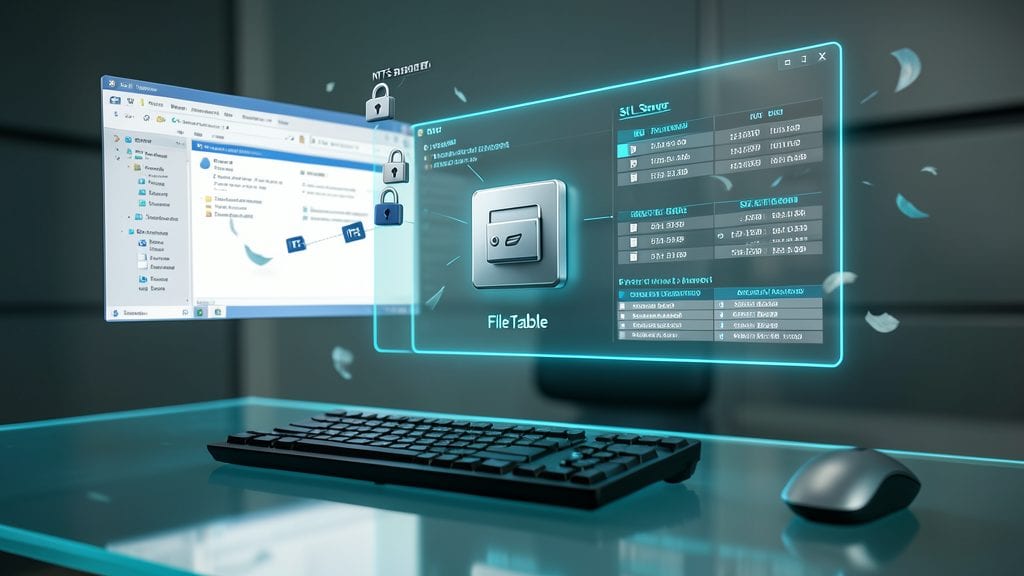
Tired of juggling file systems and databases separately? FileTable bridges that gap by letting you store files directly inside SQL Server tables while keeping all the familiar file system features like folders, permissions, and metadata.
With FileTable, you get native support for NTFS permissions, file streams, and even versioning—all while leveraging SQL Server’s querying power. Need to search for documents by content and metadata? No problem. The feature integrates seamlessly with Windows Explorer, so users browse files like a normal file system while admins manage everything through T-SQL.
Perfect for document management systems, legal archives, or any workflow where files need to live alongside relational data. ⚡
SQL Server Data Tools for Streamlined Development
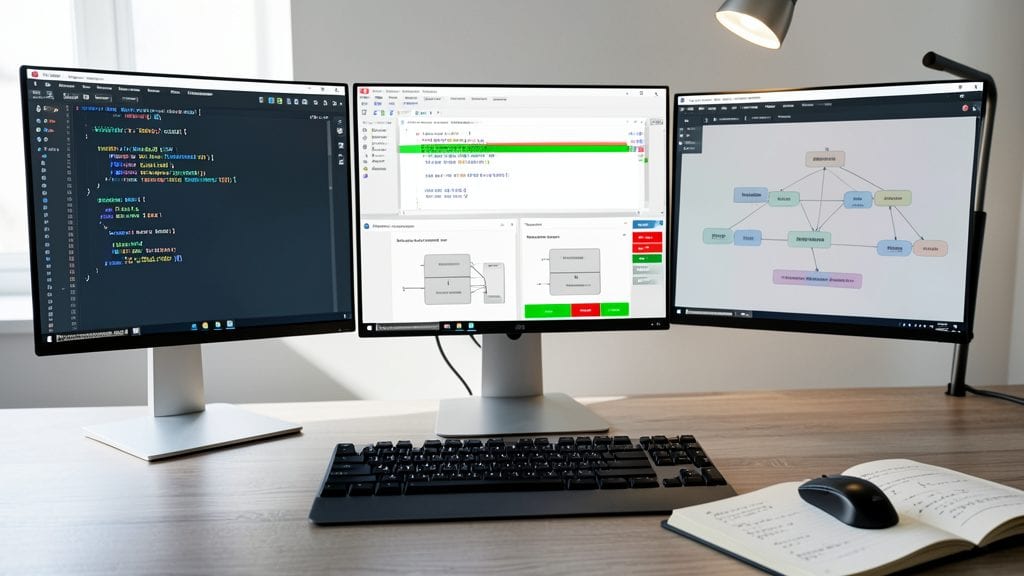
Tired of juggling multiple tools for database development? SQL Server Data Tools (SSDT) merges schema management, testing, and version control into one powerful Visual Studio-integrated IDE. This isn’t just another SQL editor—it’s a full-fledged development environment designed to eliminate context-switching between scripts, diagrams, and deployment pipelines.
With built-in schema comparison to sync environments, T-SQL unit testing for reliable code validation, and source control integration (including Git), SSDT turns database development into a seamless workflow. The project-based model lets you manage scripts, tables, and dependencies as a single unit, while debugging tools pinpoint issues faster than ever. For teams, it even supports team-based development with conflict resolution and branching.
Perfect for database developers and DevOps teams who need to ship reliable updates faster, SSDT bridges the gap between coding and deployment—without the usual headaches. 💻
Contained Database Authentication for Simplified Logins

Tired of managing server-wide logins for every database instance? Contained Database Authentication in SQL Server 2012 lets you handle authentication within each database—no more relying on server-level logins or complex permissions across environments.
This feature introduces database-scoped credentials and contained user authentication, meaning you can create logins directly tied to a single database. It also supports Windows and SQL authentication at the database level, reducing administrative overhead by up to 70% in multi-database setups. Plus, it integrates seamlessly with contained databases (covered earlier), making deployments and migrations cleaner.
Perfect for ISVs, SaaS providers, and enterprises managing multiple database instances—like microservices or multi-tenant applications—where granular security and simplified admin are critical. 🔧