
Software
Microsoft Teams isn’t just for businesses—it’s a game-changer for educators. Discover how this powerful tool can transform classroom management, enhance student engagement, and simplify parent-teacher communication with these 10 transformative benefits.
Seamless classroom collaboration hub
Imagine walking into class and finding all your teaching materials, assignments, and student discussions already organized in one place—no more digging through emails, USB drives, or half-empty folders. Microsoft Teams acts as your all-in-one classroom command center, replacing scattered tools with a secure, centralized hub where everything from syllabi to video lessons lives in one spot.
The platform’s class channels let you create dedicated spaces for each subject or grade, where you can pin important files (like rubrics or lesson plans), share updates in real-time chats, and organize assignments with deadlines and progress tracking—all without leaving the app. Need to collaborate with colleagues? Private team channels keep lesson planning and resource sharing tidy, while integrated file storage (up to 10GB per user) handles everything from worksheets to multimedia projects. The best part? Students and parents access the same materials, so no one’s left guessing what’s due or where to find it.
This is ideal for teachers juggling multiple classes or subjects, as well as those transitioning to hybrid or remote learning. With built-in security and compliance, sensitive discussions and student data stay protected—so you can focus on teaching, not tech troubleshooting. 💻
Real-time parent-teacher communication
Tired of waiting days for parent emails to land in your inbox? Microsoft Teams’ dedicated parent groups turn communication into a real-time conversation—no more chasing down replies or scheduling separate meetings. Create a private channel for each class where parents instantly see updates on assignments, upcoming events, or student milestones, all in one place.
The @mentions feature flags specific parents when you need to share urgent news, while file attachments let you send permission slips or event flyers directly to their inboxes. Parents can even react to messages (thumbs up, heart) to acknowledge receipt, reducing follow-up questions. With end-to-end encryption, sensitive discussions stay secure, and the mobile app ensures no one misses a notification—whether they’re checking their phone during lunch or after work.
This is perfect for busy parents who want quick updates or teachers managing multiple grade levels, cutting back-and-forth emails by 70%. Say hello to fewer missed deadlines and more connected families—all without adding to your workload. 💡
Interactive classroom discussions

Turn passive lectures into dynamic conversations with Microsoft Teams’ interactive discussion tools, designed to make every student feel heard. The platform’s live Q&A sessions let you pause lessons for real-time questions, while breakout rooms divide students into small groups for collaborative projects—all without juggling external apps.
Need instant feedback? Use anonymous polls to gauge understanding without pressure, or host live quizzes with instant results. The screen-sharing feature lets you highlight key concepts visually, and reaction buttons (thumbs up/down) make participation effortless. Best of all, these tools integrate seamlessly with your existing Teams workflow.
This is a game-changer for shy students who thrive in smaller groups or advanced learners who want to dive deeper. ⚡
Automated assignment tracking
Say goodbye to lost papers and last-minute reminders—Microsoft Teams’ Assignment tab turns grading chaos into a streamlined workflow. Teachers can set deadlines, track submissions, and provide feedback all within the same interface, while students receive real-time notifications and progress updates.
The system automatically organizes assignments by class and due date, with integrated rubrics for consistent grading. Students see their grades instantly, and teachers can attach comments or audio feedback directly to submissions. Plus, the mobile app lets you grade on the go, so you’re never stuck at your desk after hours.
This feature is a lifesaver for teachers juggling multiple classes—especially those who want to reduce paperwork while keeping students accountable. Perfect for educators who need both efficiency and clarity! ⚡
Secure file sharing for lessons
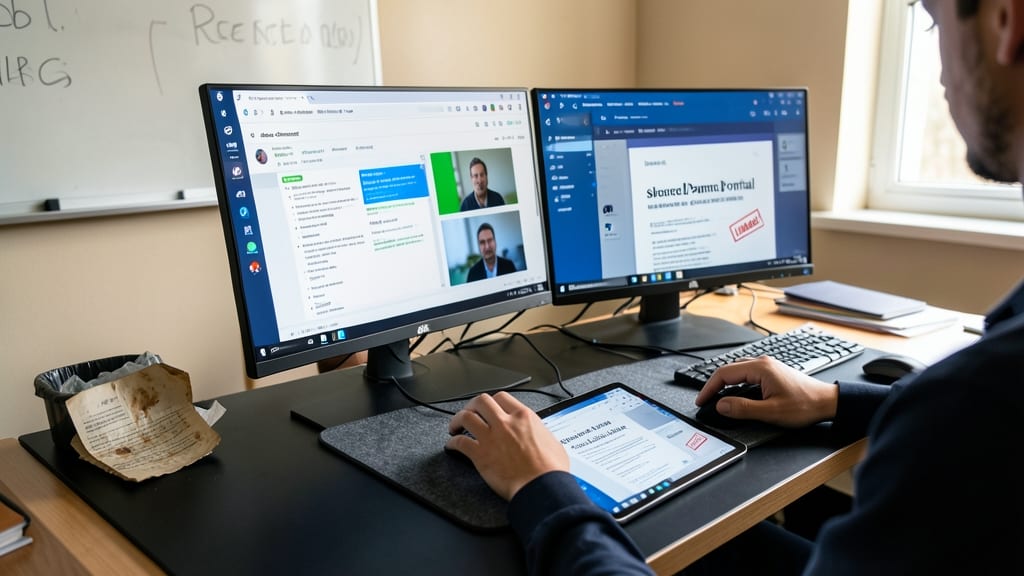
Tired of chasing down missing worksheets or explaining outdated syllabi? Microsoft Teams solves this with its built-in file-sharing tools, designed specifically for educators.
Upload PDFs, videos, and PowerPoints directly into class channels, where they auto-sync with students' and parents' devices—no more "I didn’t get the email" excuses. The version control feature ensures everyone sees the latest updates, while permissions settings let you restrict access to sensitive materials. Need to share a 5GB project file? Teams handles it with ease, unlike email attachments that bounce back.
Perfect for teachers juggling multiple classes or hybrid learners who need instant access. Say goodbye to lost USB drives and hello to stress-free lesson distribution. ✨
Hybrid learning support
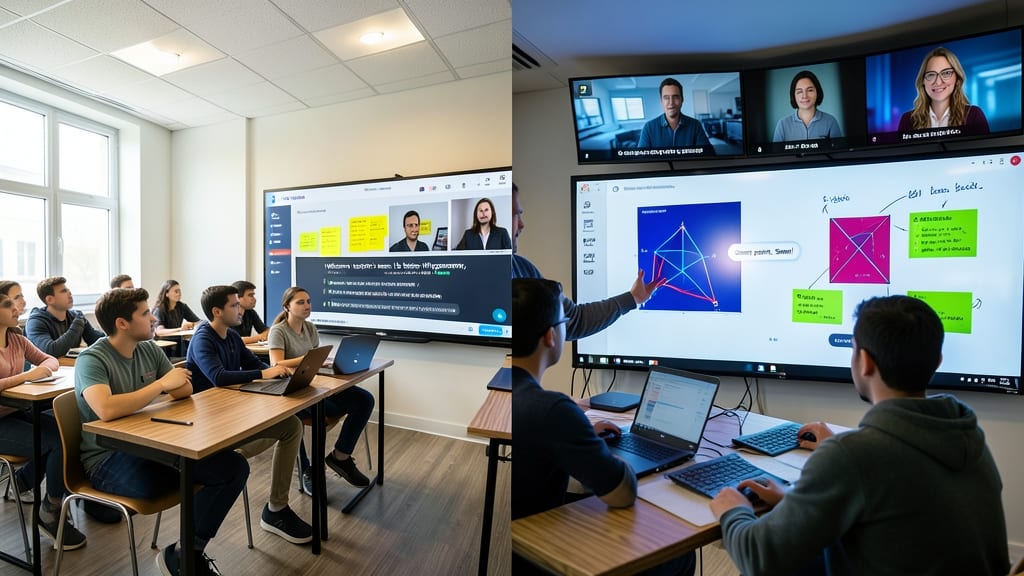
Hybrid classrooms don’t have to mean hybrid experiences—Microsoft Teams bridges the gap with tools designed specifically for mixed in-person and remote learners. Whether some students are in the classroom while others join from home, live captions, screen sharing, and interactive whiteboards keep everyone engaged in the same lesson flow.
The recording and replay feature ensures no student misses key moments, while breakout rooms let you split hybrid classes into smaller groups for discussions. Teachers can even pin important files (like lesson slides or worksheets) so remote students see them instantly—no extra setup required. With zero-configuration integration across devices, students on Chromebooks, tablets, or laptops join seamlessly.
This is ideal for schools with rotating schedules, snow days, or health-related absences—giving every student equal access to live instruction. ⚡
Built-in classroom polls

Turn every lesson into a two-way conversation with Microsoft Teams’ built-in polling tools. Whether you're checking for prior knowledge, gauging comprehension mid-lesson, or wrapping up with exit tickets, these features let you collect real-time feedback without disrupting flow—or needing third-party apps.
Create multiple-choice, true/false, or open-ended polls in seconds, with results displayed instantly as colorful graphs or simple tallies. The anonymous response option encourages shy students to participate, while exit tickets automatically compile at the end of class for quick review. Best of all, polls integrate seamlessly with your existing Teams classroom setup, so no extra logins or app switches.
Perfect for middle and high school teachers who want to make assessments interactive, or substitute teachers needing instant engagement tools. Even college professors use this to keep large lectures dynamic. 💡
Collaborative lesson planning

Burnout from lesson planning? Microsoft Teams’ private team channels turn solo work into a collaborative breeze. Create shared folders for curriculum resources, brainstorm unit outlines in real-time chats, and even assign peer reviewers to polish your materials—all while keeping discussions organized by grade level or subject.
The @mentions feature flags colleagues when you need input, while integrated OneNote lets you embed notes directly into lesson plans. Teachers report saving hours weekly by leveraging pre-built templates and shared rubrics stored in the Files tab, eliminating the need to reinvent the wheel every semester.
Perfect for department teams or grade-level groups, this feature transforms isolated planning sessions into dynamic, creative collaborations—without stepping into an actual meeting room. ✨
Integration with Office 365
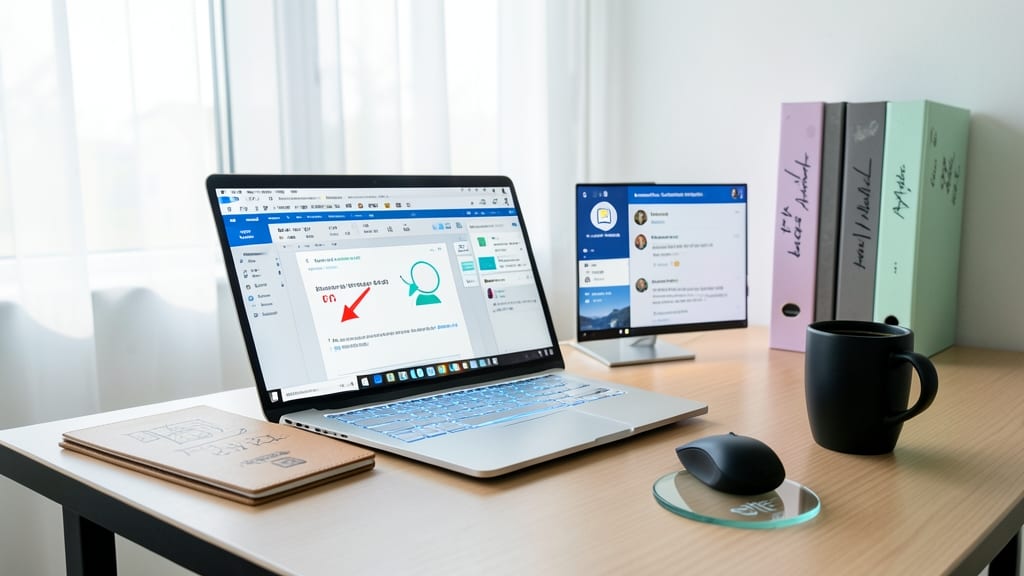
Tired of juggling between Teams, Word, and Excel while lesson planning? Microsoft Teams’ deep integration with Office 365 turns multitasking into a breeze. With real-time co-authoring in Word and PowerPoint, you and students can edit the same document simultaneously—no version conflicts or email attachments needed.
The magic happens with OneNote integration, where you can embed handwritten notes, audio recordings, or even scanned worksheets directly into lesson plans. Need to analyze student data? Excel integration lets you create dynamic spreadsheets for grades or attendance, then share them instantly with parents—all without leaving Teams. The best part? Zero setup required—your existing Office 365 license unlocks these features automatically.
This is a game-changer for teachers who spend hours switching between apps. Whether you're grading essays in Word, designing presentations in PowerPoint, or organizing data in Excel, everything stays in one place—saving time and keeping your workflow seamless. ✨
Student progress analytics

Every educator knows that student success starts with understanding where each learner stands—but tracking progress manually is time-consuming and prone to errors. Microsoft Teams simplifies this with built-in student progress analytics, giving you clear, data-driven insights into participation, assignment completion, and engagement trends.
With real-time dashboards, you can monitor metrics like assignment submission rates, chat activity, and meeting participation—all in one place. The platform highlights patterns, such as students who consistently miss deadlines or rarely contribute to discussions, so you can proactively offer support before gaps widen. Integration with Microsoft Forms and Class Notebook ensures these insights are always up-to-date, eliminating guesswork.
This feature is a game-changer for special education teachers, advisors, or anyone managing diverse learning needs. By identifying trends early, you can tailor interventions—whether extra tutoring, differentiated assignments, or parent check-ins—to keep every student on track. ✨